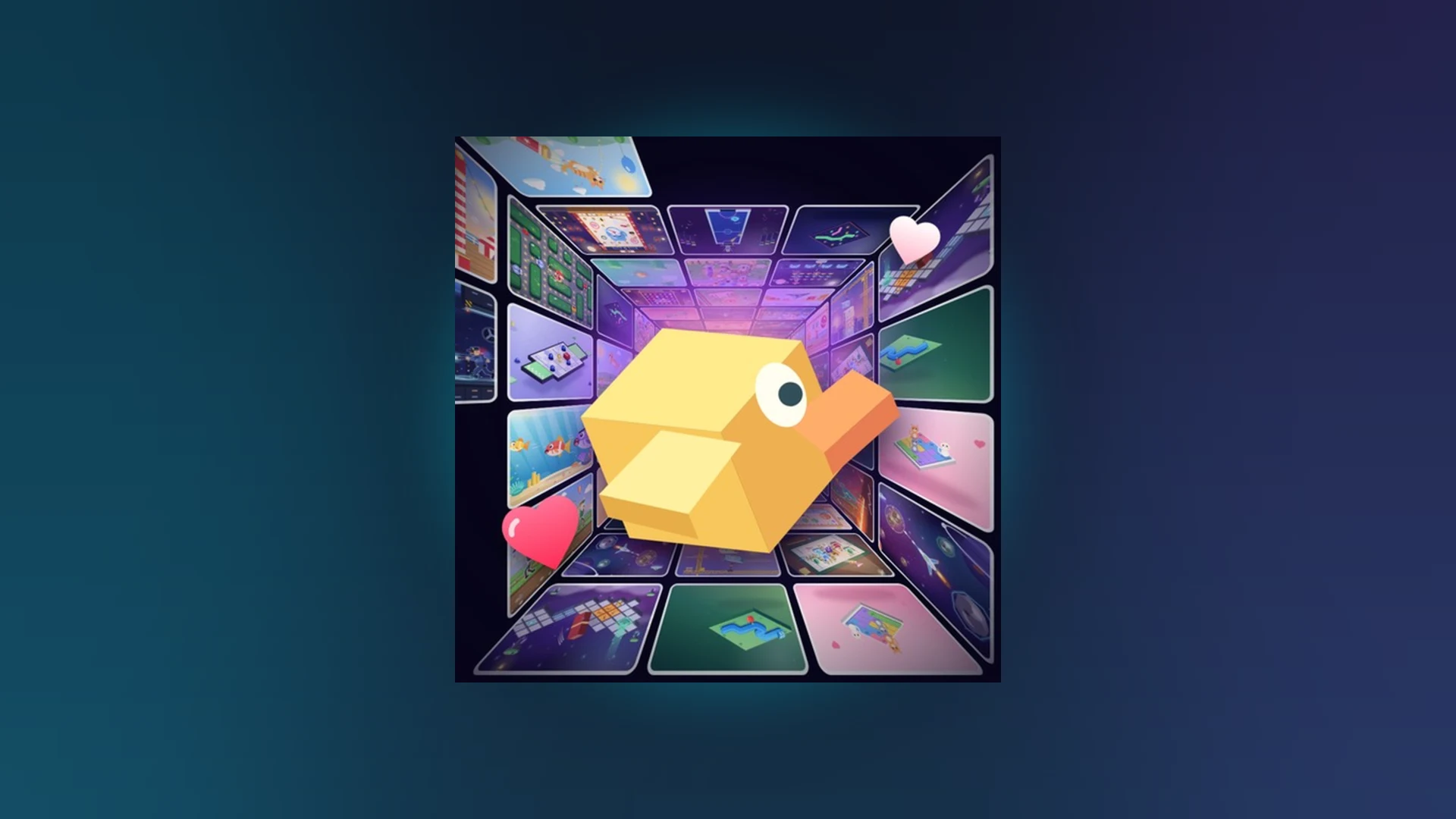
- Scroll a Game is a fast-paced Roblox minigame discovery experience built around scrolling and swiping.
- Read the prompt first: every activity shows an on-screen instruction before you move.
- Short, controlled inputs beat fast, wild swipes for accuracy-based minigames.
- Use Revive only when your current run matches or beats your personal best.
- Track your scores on weekly, monthly, and all-time leaderboards.
What Is Scroll a Game?
Scroll a Game is a lightweight Party & Casual experience on Roblox built around one simple idea: swipe or scroll your way through an endless feed of short, playable arcade minigames. Each activity appears quickly, gives you a prompt, and rewards fast reactions. Players compete for high scores across weekly, monthly, and all-time leaderboards, and the game regularly appears in Roblox's trending charts.
The core loop favors players who adapt fast. Because the current challenge can change from a direction-based swipe to a timing test within seconds, understanding the four core activity categories is the fastest way to improve.
Direction Activities
- Match the indicated movement
- Scroll, swipe, or move as prompted
- Watch the full prompt before acting
Timing Activities
- React at the right moment
- Wait for the visual cue
- Use short, deliberate inputs
Accuracy Activities
- Keep movements controlled
- Small adjustments over long swipes
- Precision beats speed
Endurance Activities
- Maintain consistent performance
- Use a steady rhythm
- Reset focus after each success
Before making any input, classify the current activity into one of the four categories above. Reacting to the wrong activity type is the most common cause of early run-ending mistakes.
Controls by Platform
Roblox input behavior differs between touchscreens, keyboards, mice, and controllers. If an action does not respond, first confirm the game window has focus and the expected input method is active.
| Platform | Entry Method | Basic Input | Camera / Input Notes | Quick Fix |
|---|---|---|---|---|
| Mobile phone | Roblox app, search Scroll a Game, press Play | Tap buttons, swipe when prompted | Drag on screen for camera; keep fingers inside the game area | Release held touch, tap the window again, rejoin if needed |
| Tablet | Roblox app, open official page, press Play | Same touch controls with more screen space | One-finger gestures; avoid system navigation areas | Rotate device only if supported, check controls reappear |
| Computer | Roblox app or official game page, press Play | Keyboard and mouse prompts | Click window before typing; mouse for camera | Click back into the window; rejoin if still unresponsive |
| Controller | Connect controller or use supported console | Follow on-screen button prompts | Right stick for camera; confirm controller assignment | Reconnect or reassign controller, then rejoin |
If taps, keys, or buttons have no effect: click or tap inside the active game window first, release any held input, and check that chat or another interface is not capturing your input. Rejoin the server as a last resort.
Getting Started: First Round Walkthrough
New players should prioritize understanding each prompt over speed. Follow these steps to complete your first round cleanly.
Install and open Roblox
Install Roblox on your supported device, sign in, and open the Scroll a Game experience from its official Roblox game page.
Join the game
Select the Play button on the experience page and allow the loading process to finish before touching the screen.
Read the on-screen prompt
Check the instructions shown in the current activity before making a move. Prompts explain the direction, timing, or target of the interaction.
Use the scrolling or swiping control
Follow the required movement using mouse, trackpad, touchscreen, or your supported input method. Use short, controlled motions when accuracy matters.
Complete the round
Keep responding to prompts until the round ends, then review your result and identify which prompt type caused the most trouble.
Your goal for the first session is not a leaderboard score. It is correctly classifying every prompt type you encounter. Speed naturally follows once recognition becomes automatic.
High-Score Strategy and Revive Decisions
High scores in Scroll a Game come from completing more prompts successfully and avoiding unnecessary errors. Focus on the fundamentals first, then build consistency across longer runs.
| Focus Area | Recommended Action | Common Mistake | Score Benefit |
|---|---|---|---|
| Accuracy | Use short, controlled movements matching the prompt | Scrolling too far or changing direction without instruction | Fewer failed interactions |
| Reaction speed | Read the prompt quickly, input without hesitation | Acting before the instruction is fully visible | Better timing, fewer early errors |
| Consistency | Repeat the same reliable movement pattern | Changing technique after one success or failure | Stable performance on long runs |
| Focus | Watch the current prompt, ignore distractions | Extra inputs after completing a task | Lower chance of accidental errors |
| Practice routine | Play short rounds, log your weakest prompt type | Chasing score before learning controls | Faster long-term improvement |
When to Use Revive
Treat Revive as a risk-reward decision, not an automatic reset.
| Situation | Current Score vs. Best | Run Stability | Recommendation |
|---|---|---|---|
| Record-breaking run | At or above personal best | Stable before the mistake | Use Revive |
| Solid run | Close to best | One recoverable error | Use Revive |
| Rough run | Far below usual | Repeated misses | Restart instead |
| Unresponsive Revive | Any | Any | Rejoin and start a fresh run |
Revive is most valuable when your current run is close to or above your previous high score and the mistake was a single recoverable slip, not a pattern of misses.
Troubleshooting Common Problems
| Problem | Likely Cause | Fastest Fix |
|---|---|---|
| Cannot enter the game | Outdated app or server issue | Restart Roblox, reopen the official page, try a new server |
| Controls unresponsive | Window lost focus or held input | Tap or click the game window, release inputs, rejoin |
| Leaderboard not refreshed | Score still processing | Wait briefly, rejoin server, confirm score was recorded |
| Revive unavailable | Run not at Revive point or feature inactive | Check the end-of-run screen; do not close it before selecting |
| Code or status error | Expired or incorrect entry | Copy exactly, remove spaces, rejoin and retry |
As of October 2026, there are no confirmed active Scroll a Game codes in the current game information. Do not rely on old community posts for codes. Check the official Roblox game page and in-game announcements for newly released codes.
High-Score Milestones:
- Correctly identify all four activity categories
- Complete a full round without an accuracy error
- Beat your personal best on three separate runs
- Use Revive only on record-level runs
- Check your weekly leaderboard placement
FAQ
Q: What is Scroll a Game on Roblox?
Scroll a Game is a fast-paced Roblox minigame discovery experience where players scroll or swipe through a feed of short arcade activities, competing for high scores on weekly, monthly, and all-time leaderboards.
Q: Are there active Scroll a Game codes right now?
No confirmed active codes are listed as of October 2026. Watch the official Roblox game page and in-game announcements for any newly released codes, and verify any code in-game before trusting community posts.
Q: When should I use Revive instead of restarting?
Use Revive when your current run is at or near your personal best and the failure was a single recoverable mistake. If the run is far below your usual score or unstable, starting fresh gives a better opportunity.
Q: Which platform offers the best controls?
Touchscreen devices match the swipe-based prompts naturally, while computers offer precise mouse and trackpad input. All platforms are viable; choose the input method you can keep consistent across long runs.