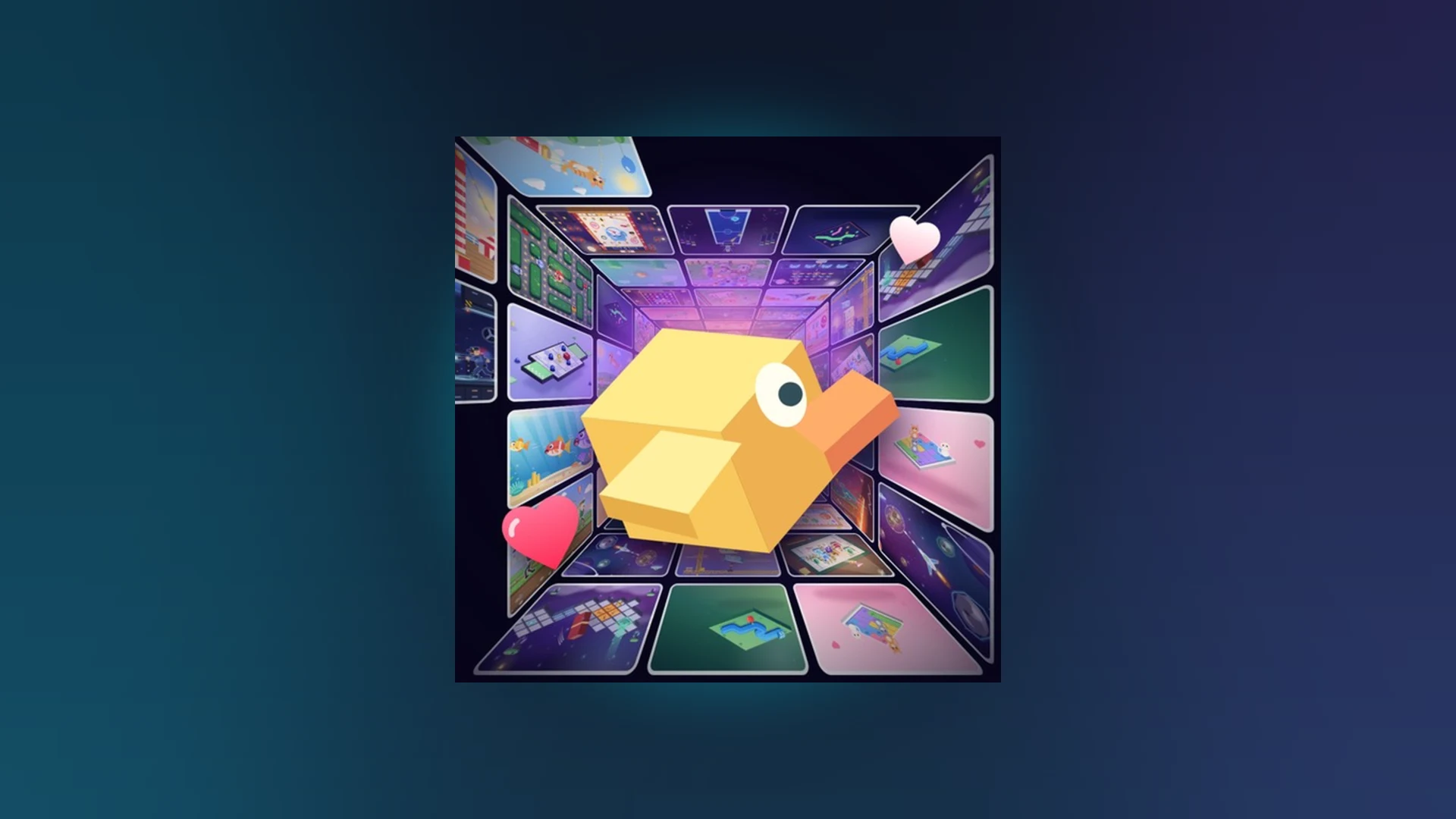
- Scroll a Game Xbox access: Play through the Roblox app on Xbox Series X|S and Xbox One consoles.
- Controller input: Use the directional stick, face buttons, and right stick camera to respond to prompts.
- Cross-platform: Xbox players share servers with mobile, tablet, and PC players.
- Best practice: Keep Roblox updated and rejoin the server when input stops responding.
- Codes status: No confirmed active codes exist for the game at this time.
Playing Scroll a Game on Xbox Overview
Scroll a Game is a fast-paced Roblox minigame discovery experience where you scroll through a feed of short arcade activities, compete for high scores, and climb weekly, monthly, and all-time leaderboards. Xbox owners can join the experience through the Roblox app available on Xbox Series X|S and Xbox One, using a standard Xbox controller for every interaction.
Because Roblox runs cross-platform, Xbox players are matched into the same servers as mobile, tablet, and PC users. Nothing about the game itself changes on console, but the input method does, and controller play rewards a slightly different technique than touch swiping.
| Platform | Access Method | Primary Input | Best For |
|---|---|---|---|
| Xbox Series X | S | Roblox console app | Xbox controller |
| Xbox One | Roblox console app | Xbox controller | Large-screen casual sessions |
| Mobile | Roblox mobile app | Touch taps and swipes | Quick sessions on the go |
| Tablet | Roblox app | Touch gestures | Comfortable mobile precision |
| PC | Roblox app or browser | Keyboard and mouse | Fastest precise inputs |
Controller sticks allow short, measured adjustments that work well for accuracy-based minigames. Use gentle stick tilts instead of full deflection when a prompt rewards precision.
Xbox Setup Step-by-Step
Getting into the game on Xbox takes only a few minutes. Follow this sequence the first time you play.
Install the Roblox app
Open the Microsoft Store on your Xbox console, search for Roblox, and install the official app. Confirm the app is fully updated before launching it.
Sign in to your account
Log in with your existing Roblox account or create one. Your friends list, favorites, and leaderboard progress carry over across all platforms.
Search for the game
Use the in-app search and type "Scroll a Game", then select the correct experience from the results and open its game page.
Launch and read the prompt
Press Play, wait for the session to load, and read the on-screen instructions for the current activity before making your first move.
Respond with controller input
Follow the scroll or movement prompt using the indicated stick or button input, then keep completing prompts until the round ends and your score is recorded.
If button presses do nothing, another interface or overlay may be capturing input. Press B to back out of any menu, then rejoin the server if the controller still will not respond.
Controller Inputs by Activity Type
Every minigame in Scroll a Game asks for one of four core interaction patterns. Recognizing the pattern quickly is the main skill that separates high scores from early eliminations.
| Activity Type | Objective | Xbox Input | Winning Tip |
|---|---|---|---|
| Direction | Match the indicated movement | Left stick or d-pad in the shown direction | Watch the full prompt before moving |
| Timing | Act at the right moment | Short deliberate face-button press | Prioritize timing over speed |
| Accuracy | Controlled precise movement | Small gentle stick adjustments | Shorten each movement when precision matters |
| Endurance | Keep consistent performance | Repeat the input pattern steadily | Use a rhythm and reset focus after each success |
Controller Strengths
- Precise small inputs via partial stick tilt
- Comfortable for long endurance runs
- Consistent response without touch misfires
Controller Watch-outs
- Slower menu navigation than mouse or touch
- Full stick deflection can overshoot accuracy targets
- Camera stick behavior depends on the activity
Practice several short rounds and identify which prompt type causes the most mistakes. Improving your weakest activity type raises total scores faster than grinding your strongest one.
Troubleshooting Xbox Issues
Console players occasionally run into joining errors, unresponsive controls, or leaderboard delays. Start with the least disruptive fix and work down the list.
| Problem | Likely Cause | Recommended Fix |
|---|---|---|
| Play button does not load | App outdated or server issue | Restart Roblox, reinstall updates, try a new server |
| Controller input ignored | Overlay or menu capturing input | Back out of menus, verify controller assignment, rejoin |
| Score missing from leaderboard | Result still processing | Wait briefly, rejoin, confirm the score recorded before quitting |
| Revive option unavailable | Run did not reach the offer point | Check the end-of-run screen, avoid closing it early |
| Game missing in search | Regional or indexing delay | Search the exact title, check the Roblox charts listing |
Before Each Session:
- Confirm Roblox app is updated on Xbox
- Verify controller is charged and assigned
- Close other apps to free console resources
- Check the official game page for update notes
- Note your current best score for Revive decisions
Revive is worth using when your current run is close to or above your personal best and your performance was still stable. If the run was already shaky, a fresh attempt usually gives a better result.
FAQ
Q: Is Scroll a Game available as a native Xbox game?
No. Scroll a Game is a Roblox experience, so Xbox players access it through the Roblox console app on Xbox Series X|S and Xbox One rather than a standalone Xbox store listing.
Q: Do Xbox players compete on the same leaderboards as mobile and PC players?
Yes. Roblox runs cross-platform servers, so scores earned on Xbox appear on the same weekly, monthly, and all-time leaderboards as every other platform.
Q: Are there active Scroll a Game codes to redeem on Xbox?
No confirmed active codes are listed in the current game information. If a code feature is added, it would appear through a Codes, Gift, or Settings option inside the game. Check the official Roblox game page and announcements for any future releases.
Q: What is the fastest way to fix unresponsive controls on Xbox?
Press B to exit any menu or overlay, confirm the controller is assigned to your profile, then leave and rejoin the server if input is still not detected.
Where to Find Official Updates
Roblox updates experiences frequently, so always confirm current information through official channels. The Roblox search page for Scroll a Game is the reliable entry point, and the Roblox charts listing shows whether the game is trending. For video content and gameplay previews, browse YouTube search results for Scroll a Game.
New minigames, leaderboard adjustments, and Revive changes appear on the official game page first. Re-check it after each Roblox app update so your strategy matches the current version.