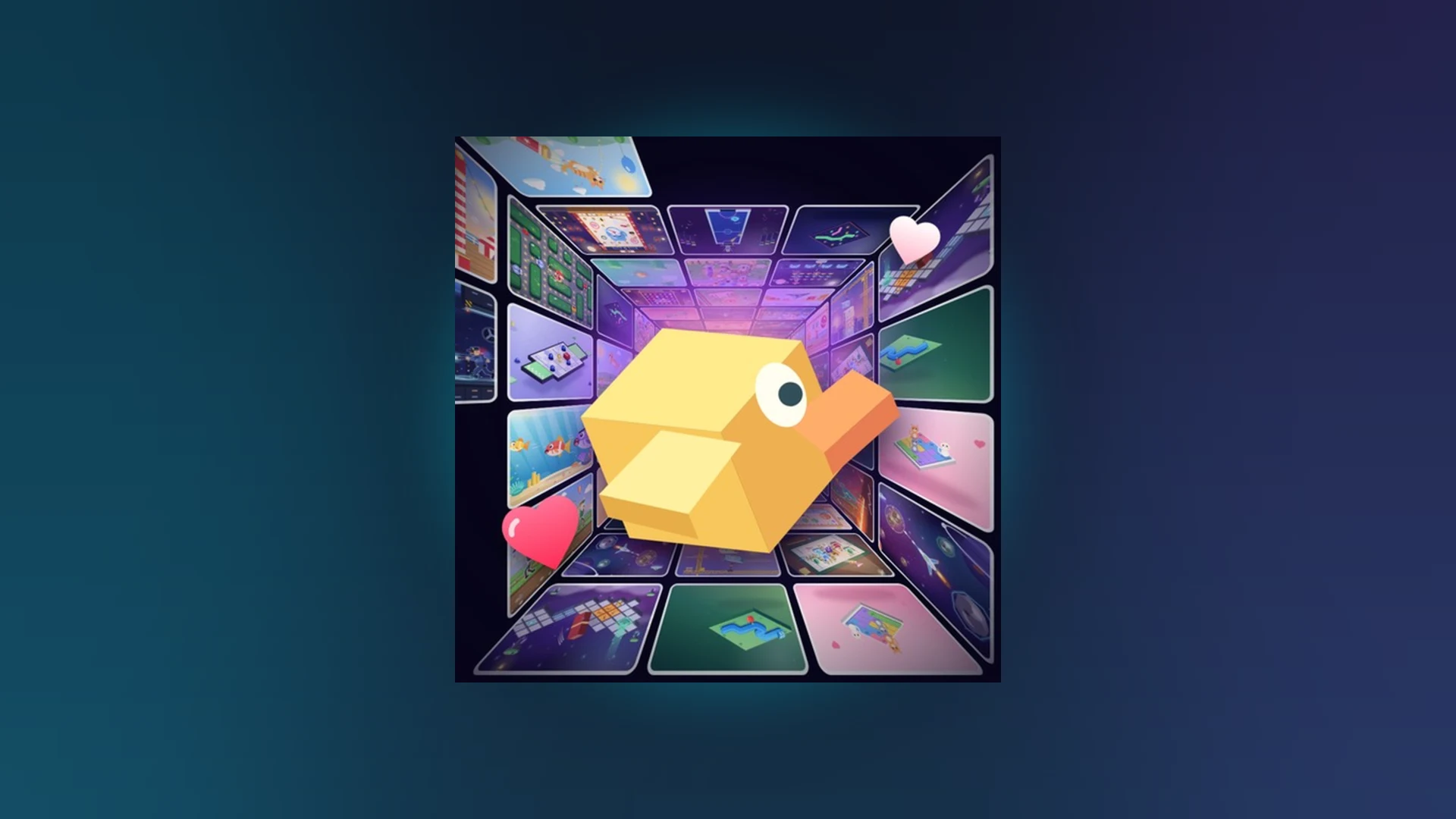
- Scroll a Game release date: The game is already live and playable on Roblox right now.
- Platform: Exclusively on Roblox, playable on mobile, PC, tablet, and controller-supported devices.
- Genre: A fast-paced Party & Casual minigame discovery experience built around quick scrolling rounds.
- No separate launch needed: There is no pre-registration, beta queue, or regional rollout to wait for.
- How to stay current: Track the official Roblox game page and charts for new updates and minigames.
Scroll a Game Release Date: Current Status
The Scroll a Game release date question has a simple answer: you do not need to wait. Scroll a Game is not an upcoming title with a countdown or pre-order page. It is an already-released Roblox experience that anyone with a Roblox account can join today. Instead of asking "when does it launch," the more useful question is "what changed in the latest update."
Here is what we can confirm from official Roblox sources as of October 2026:
| Item | Status | Notes |
|---|---|---|
| Release status | Released / Live | Playable now through Roblox |
| Platform | Roblox | Mobile, PC, tablet, controller support |
| Genre | Party & Casual / Minigames | Short arcade-style scrolling rounds |
| Official game page | Available | Direct game URL currently returns an error; use search |
| Charts visibility | Confirmed | Appears in Roblox official charts listings |
| Pre-registration | Not applicable | No queue or waitlist exists |
| Official trailer | Not confirmed | No stable verified trailer link published |
Because the original direct game link has gone inactive (returning a 404 error as of our latest check on October 8, 2026), the safest way to enter the experience is through the official Roblox search: search Scroll a Game on Roblox or the corrected Roblox discover search. The game also appears in the Roblox official charts, which confirms it is an active, listed experience rather than a delisted or upcoming project.
Some community posts may circulate specific "release dates" or countdown pages for Scroll a Game. Treat any exact launch date claim outside official Roblox channels with caution. The experience is live, so any page promising a future launch or pre-registration bonus is not an official source.
How to Access Scroll a Game After Release
Since the release has already happened, access is straightforward. The main friction point is finding the correct official experience page, especially when old links break after Roblox updates. Follow this verified path:
Install or update Roblox
Make sure the Roblox app or client is installed and running the latest version on your device. An outdated client can cause loading failures after updates.
Search for the official experience
Use the Roblox discover search with the exact keyword "Scroll a Game" rather than clicking random third-party links shared in chats or forums.
Verify the game page
Check that the page shows the Party & Casual minigame experience with live player counts and rating data before pressing Play.
Join a server
Press Play and wait for the session to load fully. If loading stalls, rejoin or switch to a different server.
Confirm the gameplay loop
Once inside, you should see short scrolling-driven minigame prompts. If the content looks different, you may have joined a lookalike experience—exit and re-search.
The Roblox charts page is a reliable way to confirm the game is active and popular. If Scroll a Game appears in trending or category listings, you can often jump directly to the experience from there without hunting for links.
Post-Release Content: What Updates Look Like
After release, the development focus shifts to updates. Scroll a Game's content cadence centers on new minigames, leaderboard cycles, and feature tweaks. Here is how post-launch changes are typically organized:
| Update Type | What It Includes | Where to Verify |
|---|---|---|
| Version changes | Bug fixes, performance and interface adjustments | Official game page changelog |
| New minigames | Newly added activities and playable rounds | Game page and in-game announcements |
| Leaderboard updates | Weekly, monthly, and all-time board changes | In-game leaderboard screens |
| Feature updates | Revive behavior, scoring, and UI changes | Official game page |
| Events | Limited-time challenges or reward opportunities | Game page and community channels |
Do not confuse the two. "Release date" refers to when Scroll a Game first became playable on Roblox, which has already passed. "Update dates" are ongoing and appear on the official game page each time the developer publishes changes. Bookmark the game page and check the changelog after each session.
For players hunting new content, the highest-value habit is checking the game page before playing. New minigames usually appear in the changelog first, and leaderboard resets follow a weekly and monthly rhythm that rewards early participation in a fresh cycle.
Cross-Platform Availability After Launch
Scroll a Game shipped as a Roblox experience, which means day-one availability across every device Roblox supports. There is no separate mobile release, console port, or PC storefront version to wait for:
Mobile (Phone)
- Full touch support
- Swipe and tap prompts
- Best for short sessions
PC / Mac
- Mouse and keyboard input
- Scroll-wheel friendly controls
- Stable performance
Tablet / Controller
- Larger touch targets
- Controller button prompts
- Comfortable for long runs
| Platform | Entry Method | Key Input | Common Fix |
|---|---|---|---|
| Phone | Roblox app, search, Play | Touch swipes and taps | Re-tap game window, rejoin server |
| Tablet | Roblox app, search, Play | Touch with larger surface | Avoid system navigation areas |
| Computer | Roblox client or web page | Mouse, trackpad, keyboard | Click into game window to restore focus |
| Controller | Console or connected pad | D-pad, face buttons, right stick | Reconnect and reassign controller |
If an input stops responding on any platform, the fastest fix sequence is: release all held inputs, click or tap back into the game window, then rejoin the server if it is still unresponsive.
New Player Checklist for Launch-Day Content
If you are joining Scroll a Game for the first time in October 2026, work through this checklist to get the full post-release experience:
Getting Started After Release:
- Install or update Roblox on your preferred device
- Find the official Scroll a Game page via Roblox search
- Complete your first full scrolling minigame round
- Check the leaderboard screen for weekly and monthly boards
- Review the game page changelog for the latest minigame additions
Because Scroll a Game uses rolling leaderboards (weekly, monthly, all-time), joining months after release carries no structural disadvantage. A new player can compete on the current weekly board the same day they start.
FAQ
Q: Is Scroll a Game released yet?
Yes. Scroll a Game is a live Roblox experience that is playable right now. There is no future release date to wait for—install Roblox, search for the game, and press Play.
Q: What is the exact Scroll a Game release date?
No verified public first-launch date has been confirmed in the official sources we track. What matters practically is that the game is fully released, appears in Roblox charts, and receives ongoing updates. Treat any specific date claim from unofficial fan posts with caution.
Q: Why does the old Scroll a Game link not work?
The original direct game URL has been returning a 404 error as of October 2026, likely due to a page change on Roblox. Use the Roblox discover search with the keyword 'Scroll a Game' to reach the current official experience page.
Q: Will Scroll a Game come to Steam, consoles, or mobile app stores?
There is no official announcement of a release outside Roblox. Scroll a Game is a Roblox experience, and Roblox itself already runs on phones, tablets, computers, and consoles, so no separate port is currently indicated.
Q: How do I know when new content is added after release?
Check the changelog on the official Scroll a Game Roblox page before each session. Updates covering new minigames, leaderboard adjustments, and feature changes are published there, and the game's presence in Roblox charts confirms continued activity.