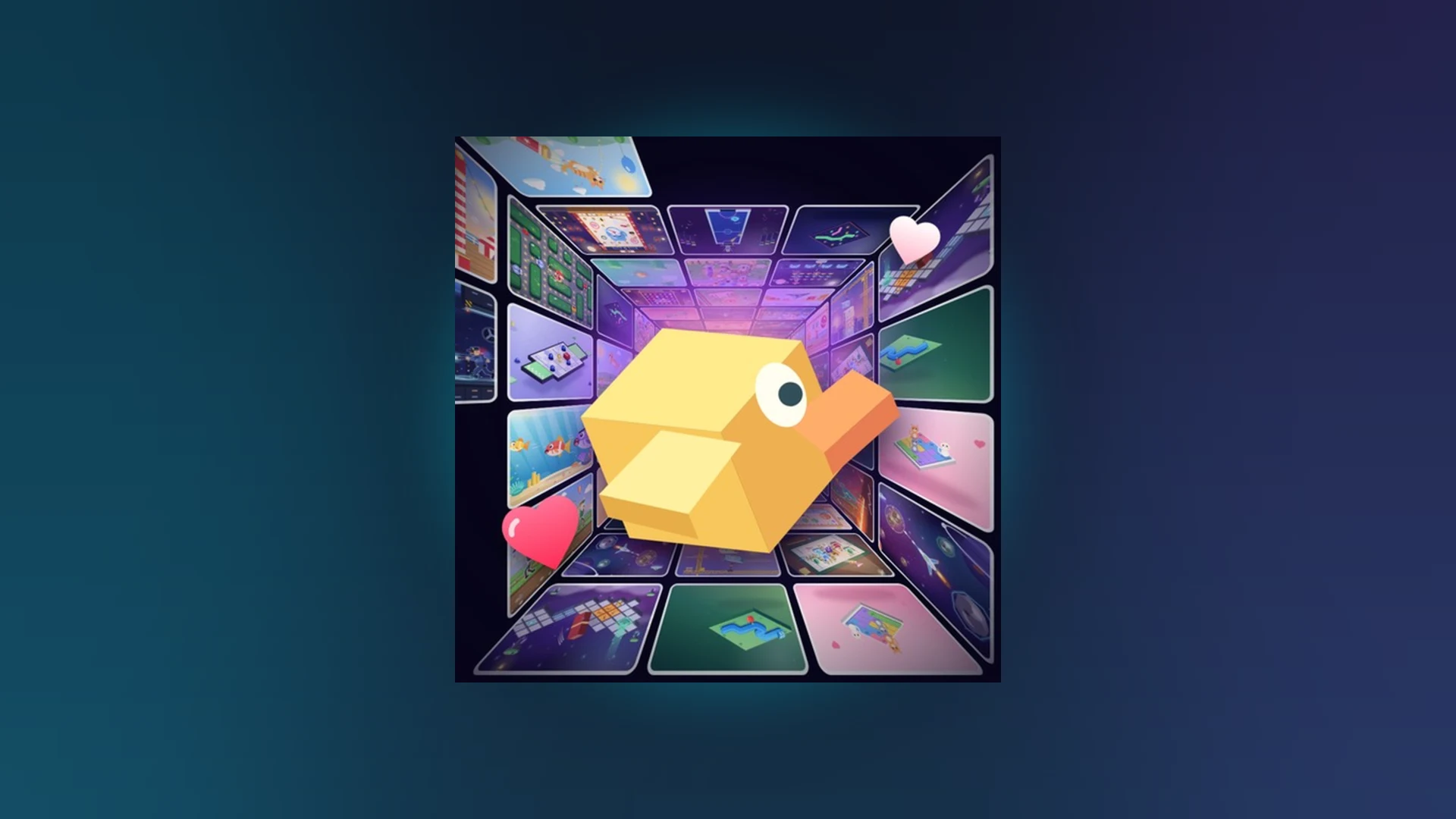
- Scroll a Game is a fast-paced Roblox minigame discovery experience built around scrolling.
- Core loop: swipe or scroll through a nonstop feed of short arcade minigames and chase high scores.
- Best for: players who enjoy reaction challenges, streaks, and weekly leaderboard climbs.
- Key strength: instant entry into new minigames with near-zero downtime between rounds.
- Verdict: a strong pick for short, casual sessions across mobile, PC, and controller play.
Scroll a Game Review: What It Is
Scroll a Game is a lightweight party-and-casual experience on Roblox built around one simple hook: keep scrolling, and a new playable minigame appears. Instead of long matches or grinding progression, each session drops you into rapid-fire arcade activities where reading the prompt and reacting correctly is everything. This review looks at how the game plays, where it shines, and where it still needs work.
The game has appeared in Roblox's popular-experience charts, and community-facing stats have shown figures in the range of roughly 3.1K concurrent players with a 78% user rating at the time of writing — solid numbers for a casual arcade title. These figures change constantly, so treat them as a snapshot rather than a promise.
Review snapshot:
| Aspect | Rating | Notes |
|---|---|---|
| Ease of entry | ★★★★★ | Join and play within seconds, no tutorial wall |
| Minigame variety | ★★★★☆ | Wide feed of short arcade activities |
| Controls | ★★★★☆ | Responsive on mobile, PC, and controller |
| Replay value | ★★★★☆ | Leaderboards and streaks drive return visits |
| Long sessions | ★★★☆☆ | Best in short bursts, can feel repetitive |
If you enjoy quick reaction games, score-chasing, or hopping between short challenges with friends, Scroll a Game fits naturally. Players who prefer deep progression systems may find the loop too lightweight.
Gameplay and Minigame Variety
The heart of Scroll a Game is its minigame feed. Each activity presents a short prompt — move in a direction, react at the right moment, or hold a precise line — and your job is to respond correctly before the round ends. The variety comes from how the prompts mix timing, accuracy, direction, and endurance.
Direction Challenges
- Goal: match the indicated movement
- Use scroll, swipe, mouse, or touch input
- Best tip: watch the full prompt before moving
Timing Challenges
- Goal: act exactly when the signal appears
- Short, deliberate inputs win
- Best tip: prioritize timing over raw speed
Accuracy Challenges
- Goal: controlled movement within a target
- Small adjustments beat big swipes
- Best tip: shorten each movement for precision
Endurance Challenges
- Goal: stay consistent through long prompts
- Steady rhythm prevents fatigue errors
- Best tip: reset focus after every success
In practice, the mix works. Because no single round lasts long, a weak minigame never overstays its welcome, and a great one loops back around quickly. The main criticism: without clear minigame labels in every round, first-time players sometimes guess at the objective, which costs early score.
New players often scroll or swipe randomly under time pressure. Read the prompt first — accuracy beats speed in nearly every minigame type.
Controls and Cross-Platform Feel
Because the entire game is built on quick inputs, control quality matters more here than in most Roblox experiences. Scroll a Game handles input well across platforms, though each device has its own quirks.
| Platform | Input Method | Feel | Watch Out For |
|---|---|---|---|
| Mobile phone | Touch taps and swipes | Natural fit, instant response | Finger drifting over system navigation areas |
| Tablet | Touch with larger surface | Most comfortable precision option | Grip blocking part of the screen |
| Computer | Mouse, trackpad, keyboard | Precise, low latency | Game window losing focus mid-round |
| Controller | D-pad, face buttons, sticks | Comfortable for console players | Controller reassignment between sessions |
If inputs stop responding, tap or click inside the game window first, then release any held input. Rejoining the server fixes most remaining cases.
Scoring, Leaderboards, and Revive
Score-chasing is where Scroll a Game earns its longevity. Weekly, monthly, and all-time leaderboards give every type of player something to climb, and the Revive system adds a strategic layer to run management.
High-score improvement priorities:
| Focus Area | Recommended Action | Common Mistake | Score Benefit |
|---|---|---|---|
| Accuracy | Short, controlled movements | Over-scrolling or wrong direction | Fewer failed interactions |
| Reaction speed | Read prompt, act without hesitation | Acting before prompt fully shows | Better timing, fewer early errors |
| Consistency | Repeat a reliable input pattern | Changing technique after one miss | Stable performance on long runs |
| Focus | Watch only the current prompt | Extra inputs after completing a task | Fewer accidental errors |
| Practice | Short rounds targeting weak prompt types | Chasing score before learning controls | Faster long-term improvement |
The Revive system deserves special mention. Revive lets you continue a strong run instead of restarting, but it is a risk-reward decision, not an automatic choice.
Confirm Revive is available
When a run ends, check whether the Revive prompt is actually active before planning around it.
Compare against your best
Revive is most worthwhile when your current run matches or beats your personal high score. Far below it? Restart instead.
Judge your momentum
One recoverable mistake in a stable run justifies a revive; repeated misses do not.
Decide: preserve or refresh
Use Revive when preserving the score matters most; take a fresh run when the attempt feels off.
Scores may take a moment to process. Confirm the result recorded before closing Roblox, and rejoin the server if the leaderboard has not refreshed.
Pros, Cons, and Getting Started
No review is complete without an honest balance sheet. Here is where Scroll a Game stands as of October 2026.
| Pros | Cons |
|---|---|
| Instant play, zero-friction entry | Can feel repetitive in long sessions |
| Genuine minigame variety | Objective not always clearly labeled |
| Strong cross-platform controls | Leaderboard refresh delays reported |
| Meaningful leaderboards and streaks | No confirmed active code system currently |
| Revive adds run-management strategy | Dynamic player counts fluctuate heavily |
New to the game? Work through this starter checklist to get the most from your first sessions.
First-Session Goals:
- Install Roblox and join the official Scroll a Game page
- Complete five rounds without a random input
- Identify your weakest minigame type
- Set a first personal high score
- Check the weekly leaderboard for your ranking
Access Scroll a Game through the official Roblox search entry at roblox.com/discover. Community clips and gameplay videos can be found via YouTube search.
FAQ
Q: Is Scroll a Game worth playing in 2026?
Yes, for short casual sessions. The scrolling minigame feed, cross-platform controls, and leaderboard chase make it an easy game to pick up, though it is less suited to players wanting deep long-term progression.
Q: What is the best way to score high in Scroll a Game?
Focus on accuracy first, then reaction speed. Use short controlled movements, keep a consistent input pattern, and avoid extra inputs after completing each prompt. Target the minigame types that cause you the most mistakes during practice rounds.
Q: When should I use Revive instead of restarting?
Use Revive when your current run is close to or above your personal best and the run still feels stable. If the run is far below your usual score or full of repeated misses, starting fresh is usually the better choice.
Q: Does Scroll a Game have codes right now?
There are no confirmed active codes in the current game information. Check the official Roblox game page and announcements for any newly released codes, and look for a Codes or Settings button in-game to see whether redemption is available.