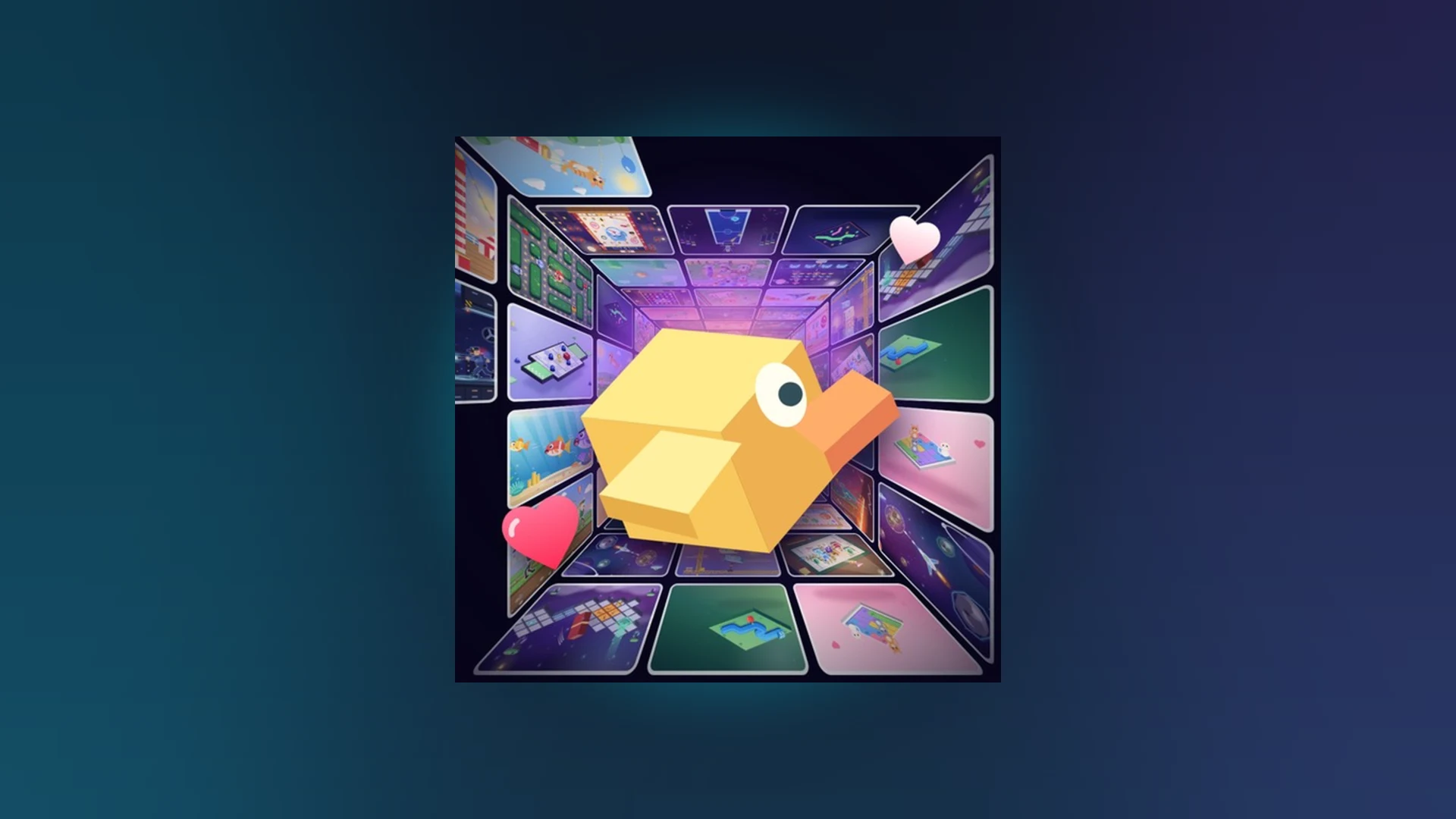
- Scroll a Game like and save features let you mark favorite minigames and revisit them quickly.
- Likes support the experience and help surface popular activities in the feed.
- Saving favorites builds a personal shortcut list instead of scrolling randomly.
- Following friends makes it easier to join sessions and compare scores.
- Leaderboards track weekly, monthly, and all-time results for saved favorites.
Understanding Scroll a Game like and save Features
Scroll a Game is a fast-paced Roblox minigame discovery experience where you scroll through a nonstop feed of playable arcade activities. The like and save system exists so you never lose track of the minigames you enjoy most. Instead of gambling on the feed every session, you can build a curated list of favorites and jump straight back into the challenges where you score highest.
The core loop is simple: play a round, evaluate the activity, then decide whether it deserves a spot in your favorites. Combined with weekly, monthly, and all-time leaderboards, saved games become the foundation of a focused high-score routine.
| Feature | What It Does | Why It Matters |
|---|---|---|
| Like | Registers positive feedback on an activity | Helps you track preferences and supports the experience |
| Save / Favorite | Stores a minigame for quick access | Skips the random feed and returns to proven picks |
| Follow Friends | Links you to other players | Easier score comparison and session joining |
| Leaderboards | Ranks weekly, monthly, all-time scores | Gives saved games a competitive goal |
| Nonstop Feed | Endless scroll of new minigames | Discovery source for future favorites |
Before saving anything, play at least five different activities from the feed. Early favorites chosen from a single round often turn out to be weaker scoring options than activities you discover later.
How to Like and Save Minigames: Step-by-Step
Follow this workflow each time you encounter a new activity in the feed. The process takes only a few seconds per round but compounds into an efficient favorites list over time.
Play a full round first
Complete the activity before judging it. A minigame that feels awkward in the first ten seconds may become one of your strongest events after you learn its prompt pattern.
Evaluate your performance and comfort
Ask whether the controls felt natural, whether you understood the objective quickly, and whether your score was competitive. Activities matching your reaction strengths are the best save candidates.
Like activities you enjoyed
Use the like option on the results screen or activity interface. Likes are quick feedback and help you remember which types of minigames suit you.
Save proven high scorers
Save the minigame only after at least one solid run. Treat saves as reserved slots for activities you actively want to replay for leaderboard progression.
Revisit and prune your list
Periodically replay saved games and remove entries that no longer fit your goals. A short, sharp favorites list beats a long cluttered one.
Saving every activity defeats the purpose. If your favorites list grows past roughly ten entries, decision fatigue sets in and you lose the speed advantage the feature is designed to provide.
Matching Saved Games to Minigame Types
Every activity in Scroll a Game falls into a recognizable pattern. Your saves should reflect which patterns you consistently perform well in, not just which games felt novel.
Direction Activities
- Prompt type: Follow indicated movement
- Skill: Reading prompts before acting
- Save if: You reliably match directions without overshooting
Timing Activities
- Prompt type: React at the right moment
- Skill: Patience and short deliberate inputs
- Save if: Your timing holds up under longer runs
Accuracy Activities
- Prompt type: Controlled small movements
- Skill: Fine mouse, trackpad, or touch control
- Save if: Precision is your strength over raw speed
Endurance Activities
- Prompt type: Sustained consistent performance
- Skill: Focus maintenance and steady rhythm
- Save if: You keep form during extended sessions
| Activity Type | Recommended Save Priority | Score Ceiling | Common Mistake |
|---|---|---|---|
| Direction | Medium | Moderate | Scrolling too far past the target |
| Timing | High | High | Acting before the prompt fully appears |
| Accuracy | Medium | Moderate | Large movements instead of adjustments |
| Endurance | High | Highest | Losing rhythm mid-run |
Most players score best in exactly two of the four patterns. Save heavily from those two categories and use the random feed for occasional variety rather than spreading your list thin.
Turning Favorites Into Leaderboard Progress
Saved minigames are your leaderboard practice grounds. Weekly, monthly, and all-time boards each reward a different approach, and a well-built favorites list lets you plan sessions around them.
| Leaderboard | Cycle | Best Use of Saved Games |
|---|---|---|
| Weekly | Resets every week | Grind your top two saves repeatedly before reset |
| Monthly | Resets monthly | Mix favorites with new feed finds to keep sharp |
| All-Time | Permanent | Reserve your single best save for record attempts |
| Focus Area | Recommended Action | Score Benefit |
|---|---|---|
| Accuracy | Short controlled movements matching the prompt | Fewer failed interactions |
| Reaction speed | Read fast, input without hesitation | Better timing on early prompts |
| Consistency | Repeat one reliable movement pattern | Stable long-run performance |
| Focus | Ignore distractions between actions | Lower chance of accidental errors |
| Practice routine | Short targeted rounds on saves only | Faster improvement per hour played |
If a newly achieved score does not appear on the leaderboard immediately, wait briefly and rejoin the server. Results are not always processed instantly.
Troubleshooting Likes, Saves, and Access
When the like or save system does not behave as expected, work through the least disruptive fixes first before assuming data loss.
| Problem | Likely Cause | Fix |
|---|---|---|
| Like button unresponsive | Game window lost input focus | Tap or click inside the game window, then retry |
| Saved game missing | Result screen closed too early | Rejoin the server and check the favorites list again |
| Cannot enter the game | Outdated Roblox client | Update Roblox, reopen the official game page, press Play |
| Favorites empty after update | Version or feature change | Check the official Scroll a Game page on Roblox for notes |
| Touch controls frozen | Held touch or overlay conflict | Release all inputs, tap the window, rejoin if needed |
Never close a result screen before your like or save registers. Confirm the action completed before exiting, otherwise the round's choices may not persist.
Session Checklist:
- Play five feed activities before saving anything
- Like every minigame you genuinely enjoyed
- Save only activities with a proven strong run
- Revisit and prune favorites weekly
- Confirm leaderboard scores before closing Roblox
FAQ
Q: How does the Scroll a Game like and save system work?
Likes register your preference for an activity, while saves add a minigame to a personal favorites list so you can replay it without scrolling through the random feed. Both actions are performed from the activity interface or results screen during or after a round.
Q: Should I save a minigame after one good round?
It is better to confirm with at least one solid run before saving. A single lucky round can mislead you, and over-saving clutters your list. Reserve saves for activities where you understand the prompt pattern and score competitively.
Q: Can saved favorites help with leaderboards?
Yes. Saved minigames act as dedicated practice grounds. Grind your top saves before weekly resets, mix in feed variety for monthly boards, and use your single best save for all-time record attempts.
Q: What should I do if my saved games disappear?
First rejoin the server, since result screens and lists can lag behind. If favorites remain empty, update Roblox and check the official Scroll a Game page on Roblox for version or feature changes that may have affected the system.