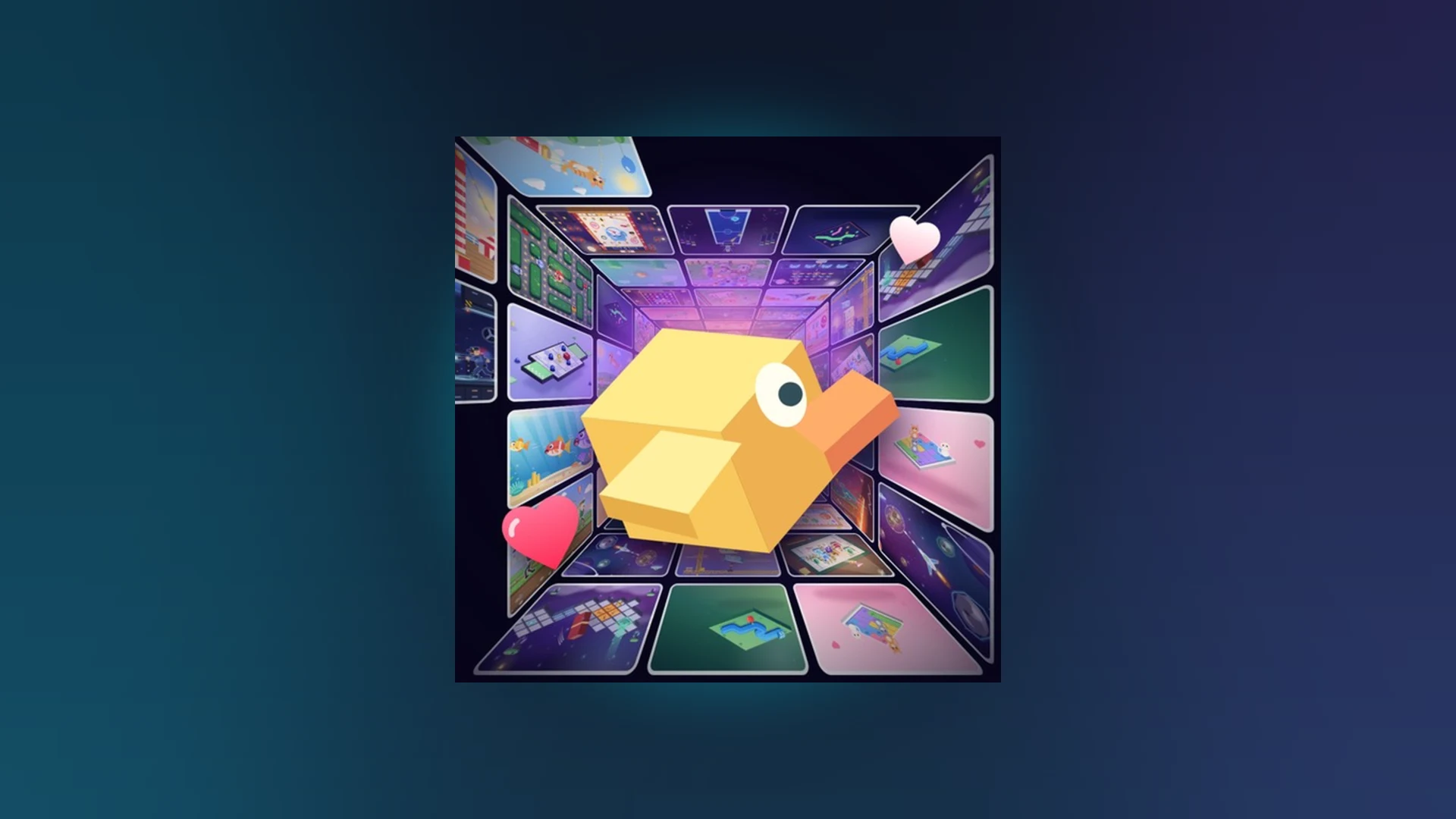
- Scroll a Game next game: Swipe or scroll to instantly jump into a new arcade minigame.
- Core loop: Read the prompt, respond with the correct input, advance to the next challenge.
- Adaptation skill: Identifying the objective quickly matters more than raw speed.
- Score runs: Longer streaks feed weekly, monthly, and all-time leaderboards.
- Stay current: New minigames drop through updates listed on the official Roblox page.
How the Scroll a Game Next Game Mechanic Works
Scroll a Game is a lightweight party-and-casual experience on Roblox built around one idea: keep scrolling to reach the next game. Instead of menus and long loading screens, you move through a continuous feed of short arcade activities. Each time a round ends, the next minigame appears almost immediately, so the pace of play is defined by how fast you can adapt.
The feed works differently from a traditional Roblox lobby. You never manually pick the next activity from a list in most sessions — the game pushes you forward automatically. That makes recognition speed your most valuable skill.
| Feed Element | What It Does | Player Action |
|---|---|---|
| Current prompt | Shows direction, timing, or target | Read before moving |
| Round timer | Limits each minigame session | Respond within the window |
| Result screen | Displays score and streak | Review before scrolling on |
| Next game transition | Loads the following activity | Keep focus, avoid idle taps |
| Leaderboard link | Records weekly/monthly/all-time scores | Check ranking after runs |
During your first sessions, prioritize understanding each prompt over speed. Players who act before the instruction fully appears cause early mistakes that cut runs short.
Minigame Types You Will Meet in the Feed
Every Scroll a Game next game transition can drop you into a different activity category. The exact minigames rotate and expand with updates, but most fit into four recognizable patterns. Learning to classify a new round within the first second is the fastest way to protect your streak.
Direction Rounds
- Objective: Match the indicated swipe or scroll direction
- Key skill: Watch the full prompt, then commit to one clean motion
- Risk: Changing direction mid-input causes failed interactions
Timing Rounds
- Objective: Act when the visual cue signals readiness
- Key skill: Patience — a short, deliberate tap beats a held input
- Risk: Early inputs before the cue appears waste the action
Accuracy Rounds
- Objective: Complete a precise interaction without overshooting
- Key skill: Small, controlled adjustments with mouse or touch
- Risk: Long swipes that travel past the target zone
Endurance Rounds
- Objective: Sustain correct responses across a longer sequence
- Key skill: Steady rhythm and focus resets between actions Risk: Distraction or extra inputs after each success
Random swiping is the most common beginner mistake. If the prompt is unclear for a moment, hold your input for a beat instead of guessing — one wrong interaction can end a promising run.
Step-by-Step: Reaching Your Next Game Smoothly
Follow this routine to move from one minigame to the next with the fewest wasted inputs. This flow assumes you have already joined the experience through the official Roblox game search.
Finish the current round cleanly
Complete the active prompt without extra inputs. Avoid tapping or swiping after the success confirmation, since stray inputs can register in the transition window.
Glance at the result screen
Note your current score and streak before scrolling forward. This two-second check tells you whether the run is worth protecting with a Revive later.
Identify the new activity type
As the next game loads, classify it as direction, timing, accuracy, or endurance. Choose your input style based on the category, not on habit.
Execute with one committed input
Make a single, deliberate input that matches the prompt. Controlled movements outperform fast, sloppy ones in nearly every round type.
Reset and repeat
Reset your focus after every success and repeat the cycle. Consistency across many rounds is what builds leaderboard-level scores.
Players who repeat the same reliable loop — read, classify, commit, reset — survive noticeably longer runs than players who vary their technique after every success or failure.
Keeping Your Streak Alive for Leaderboards
The next game mechanic is only rewarding if you survive long enough to reach it. Scores in Scroll a Game feed into weekly, monthly, and all-time leaderboards, so every avoided mistake compounds across a session.
| Focus Area | Recommended Action | Common Mistake | Score Benefit |
|---|---|---|---|
| Accuracy | Short, controlled movements matching the prompt | Overscrolling or reversing without instruction | Fewer failed interactions |
| Reaction | Read the prompt fully, then input without hesitation | Acting before instructions appear | Better timing, fewer early errors |
| Consistency | Keep one reliable movement pattern all round | Changing technique after one result | Stable long-run performance |
| Focus | Watch only the current prompt | Extra inputs between actions | Lower accidental-error chance |
| Revive timing | Revive only near or above your best score | Reviving weak runs | Progress preserved when it matters |
Treat Revive as a risk-reward choice. If your current run is close to or above your personal best and still feels stable, reviving preserves real progress. If the run is below average or full of repeated misses, a fresh start is usually the better option.
Tracking New Minigames and Updates
Because the feed rotates content, the mix of games you encounter changes over time. New activities, scoring adjustments, and leaderboard changes are announced through the official game page. As of the October 2026 link check, the direct game URL previously listed returns a 404, so use the Roblox search entry to reach the current experience page.
| Update Category | What to Look For | Where to Verify |
|---|---|---|
| New minigames | Fresh activity names and mechanics in the feed | Official game page |
| Scoring changes | Adjusted point values or streak rules | Official game page |
| Leaderboard cycles | New weekly/monthly ranking periods | In-game leaderboard screens |
| Feature updates | Revive behavior, interface, code support | Official game page |
There are currently no confirmed active Scroll a Game codes or a verified redemption interface. If a code button does not appear in-game, the redemption feature is not active — do not rely on old community posts claiming otherwise.
Next Session Goals:
- Classify each new minigame within one second
- Complete a run with zero stray inputs between rounds
- Reach a new personal best before using Revive
- Check the official game page for new minigames after your session
When the Next Game Won't Load
Feed transitions can occasionally stall. Start with the least disruptive fixes before assuming a larger problem.
| Problem | Likely Cause | Quick Fix |
|---|---|---|
| Feed stuck on result screen | Result still processing | Wait briefly, then rejoin the server |
| Inputs ignored after transition | Game window lost focus | Tap or click inside the game window |
| Leaderboard score missing | Delayed processing | Rejoin and confirm the score recorded |
| Experience won't load at all | Outdated Roblox client | Update Roblox, reopen the official page |
Q: What is the Scroll a Game next game mechanic?
It is the core loop of the experience: after each short arcade round ends, you scroll or swipe forward and the game immediately loads the next minigame, creating a continuous feed of quick challenges.
Q: Can I choose which minigame comes next?
In most sessions the feed advances automatically, so you cannot pick a specific next game. Your control lies in how quickly you recognize and adapt to whatever activity appears.
Q: Does surviving more rounds improve my leaderboard rank?
Yes. Scores are built from completed prompts and streak length, and they feed into weekly, monthly, and all-time leaderboards. Reducing mistakes across longer runs is the main path to higher rankings.
Q: Are there codes to unlock extra minigames?
No confirmed Scroll a Game codes or redemption interface exist as of October 2026. Watch the official Roblox game page and announcements rather than unverified community claims.